
Why Google Ads, Your CRM and Shopify Never Agree, and Which Number to Take to Your CEO
It's the first week of the month. Google Ads says paid search drove $180,000 in sales. Your CRM credits most of those customers to email or organic search. Shopify shows $150,000 in total revenue across all channels. Then your CEO asks the obvious question: which number is right?
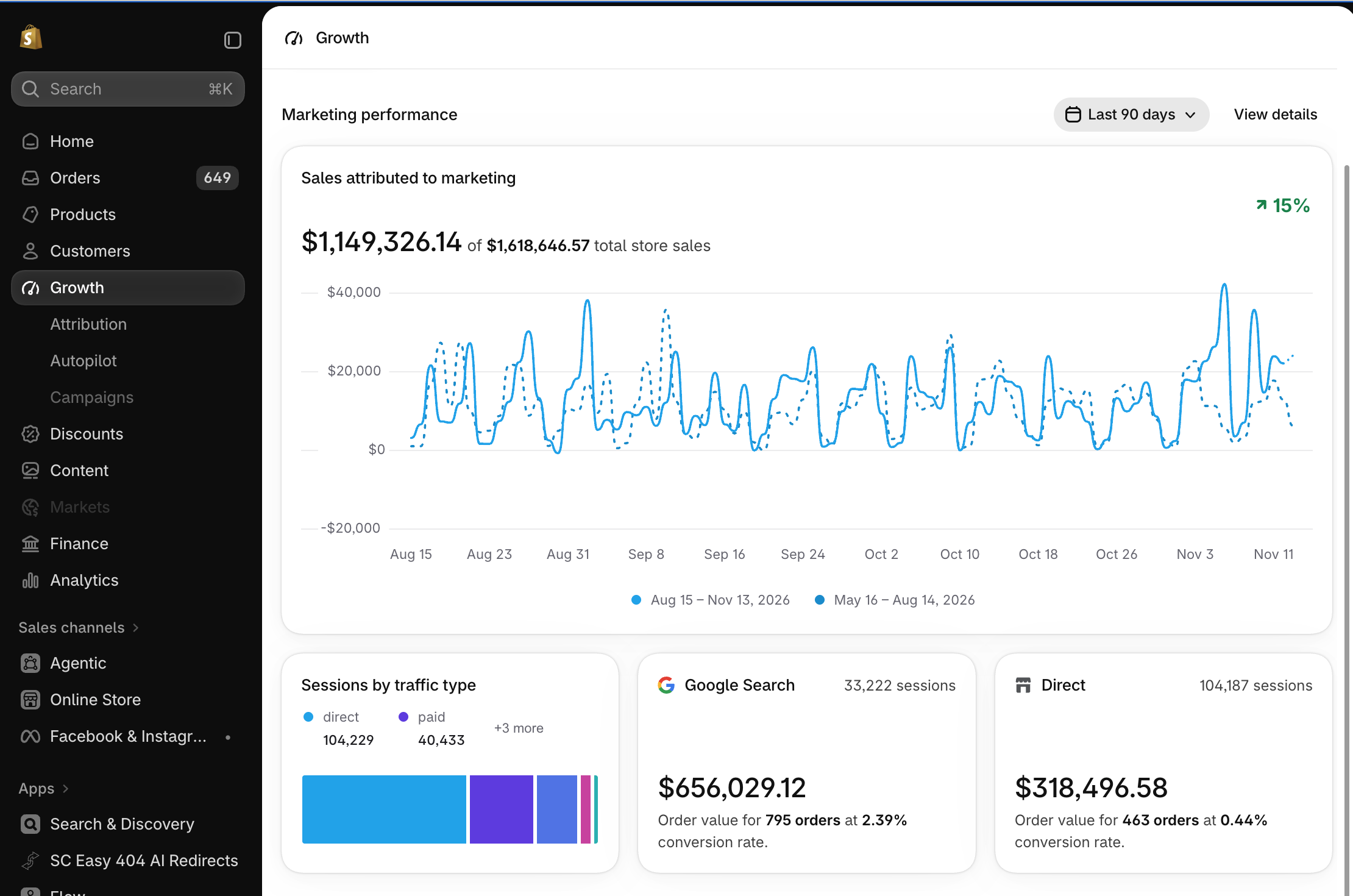
It's the first week of the month. Google Ads says paid search drove $180,000 in sales. Your CRM credits most of those customers to email or organic search. Shopify shows $150,000 in total revenue across all channels. Then your CEO asks the obvious question: which number is right?
All three are, by their own rules. Ecommerce attribution is a set of choices about what to count, when to count it and who gets the credit, and each system makes different choices. The number for your CEO is Shopify net sales, reconciled to finance. The platform numbers are for steering the channels.
Key Takeaways
Google Ads, your CRM, and Shopify each count different things, on different dates, with different credit rules.
Shopify net sales, reconciled to finance, are the revenue number for leadership.
Platform conversions are for optimizing campaigns, not for reporting revenue.
A short monthly reconciliation keeps the gap explainable.
Why the Numbers Never Agree
Ecommerce attribution is the process of determining which marketing channels get credit for a sale. Here is how each system makes that call.
Google Ads Counts Its Own Credit
Google Ads reports a conversion on the date of the ad click, not the date of the sale. A shopper who clicks on May 30 and buys on June 2 shows up in May. Google's own data discrepancies guide points to its "by conv. time" columns, which report by the sale date for a closer match with other tools.
The window is wide, too. Google Ads uses a 30-day attribution window after a click by default, and it counts view-through conversions (someone saw an ad, did not click and bought later) for one day by default, according to its conversion window settings. Conversions can continue to arrive after the month closes.
Google Ads also sees only its own clicks. If the same shopper clicked an email the day before buying, Google Ads still claims the sale.
Your CRM Credits the First Touch
Many CRMs credit the first known source. In HubSpot, for example, the Original Traffic Source property records the first source through which a contact found you, and the First Touch model gives that interaction all the credit.
Google Ads leans the other way, toward the most recent ad click, so it behaves much more like last click attribution. The same customer can be associated with organic search in your CRM and paid search in Google Ads.
The dates differ as well. A CRM tracks when a lead was created, qualified or closed, which rarely lines up with an order date.
Shopify Counts Orders, Then Subtracts Returns
Shopify counts every order once, from every channel, on the order date. Returns work differently: Shopify's sales report records a return as a negative on the date it is processed, so a sale and its refund can land in different months.
Shopify does not decide which ad caused a sale. Its attribution relies entirely on the UTM parameters and tracking tags attached to each order.
| Question | Google Ads | Your CRM | Shopify |
|---|---|---|---|
| What gets counted? | Conversions after an ad interaction | Contacts, leads and deals | Orders, net of returns |
| Which date? | The ad interaction | Lead or deal stage dates | The order date (returns on the refund date) |
| Who gets credit? | Google's own ads | Usually the first known source | No channel credit by default |
| Best used for | Steering campaigns | Pipeline and lead quality | Revenue reporting |
Which Number to Take to Your CEO
Take Shopify net sales, reconciled to finance. They count each order once, from every channel, net of returns. That's the number that matches the bank account.
Then show what it cost to get there. Divide net revenue by total marketing spend across all platforms to calculate blended ROAS, commonly tracked as the marketing efficiency ratio (MER). We break down this calculation in our guide to tracking CAC, LTV and profit. ROAS represents an individual platform's claim on revenue; MER reflects your actual business return.
Add new customers and the cost to acquire each one. Revenue can grow on repeat orders alone, and your CEO needs to see whether marketing is bringing in new buyers.
Keep platform ROAS in your day-to-day tactical reports to adjust bids and budgets. When platform claims conflict with top-line numbers, focus on overall revenue impact rather than platform attribution: measure the business, not the channel's credit.
A One-Page Report Your CEO Will Trust
One page, five lines, each with a clear source:
| Metric | Source | Why it belongs here |
|---|---|---|
| Net revenue | Shopify, reconciled to finance | Counts each order once |
| Total marketing spend | All ad platforms, plus agency and tool fees | The full cost of growth |
| MER | Net revenue ÷ total marketing spend | Return on every marketing dollar |
| New customers and acquisition cost | Shopify customer data and total spend | Shows real growth |
| Pipeline (B2B or wholesale only) | Your CRM | Revenue that has not closed yet |
Platform ROAS can go in an appendix, labeled as platform-reported.
How to Close the Gap Each Month
The gap never reaches zero. The goal is a gap you can explain in one sentence. We run this routine with our clients:
Match the dates. Compare Google Ads "by conv. time" columns to Shopify order dates.
Fix the windows. Write down each platform's attribution window and leave it alone.
Clean up tracking. Standardize your campaign data to ensure UTM structures and naming conventions stay consistent across channels.
Send results back. Feed confirmed CRM sales back into Google Ads through offline conversion imports so smart bidding optimizes toward settled revenue.
Write the note. Each month, add one line that explains the difference between platform totals and Shopify.
Conclusion
Google Ads, your CRM and Shopify disagree because each one answers a different question. Give your CEO the number that matches the bank account, and use the rest to steer.
Talk to our analytics team about building a unified reporting framework your executive team can rely on.
Frequently Asked Questions
-
Ecommerce attribution is the process of deciding which marketing touchpoints get credit for an online sale. Each platform applies its own rules, which is why the totals rarely match.
-
Google Ads reports by click date, uses a 30-day window, counts view-through conversions and only sees its own ads. That means it can claim sales that other channels also influenced.
-
No model removes the gap. Pick one for in-channel decisions and keep Shopify net sales as the source of truth for revenue.